Deploying Next.js + PayloadCMS on Alibaba Cloud ECS with Docker
You can check out the live site at https://daolanx.fun to see it in action:
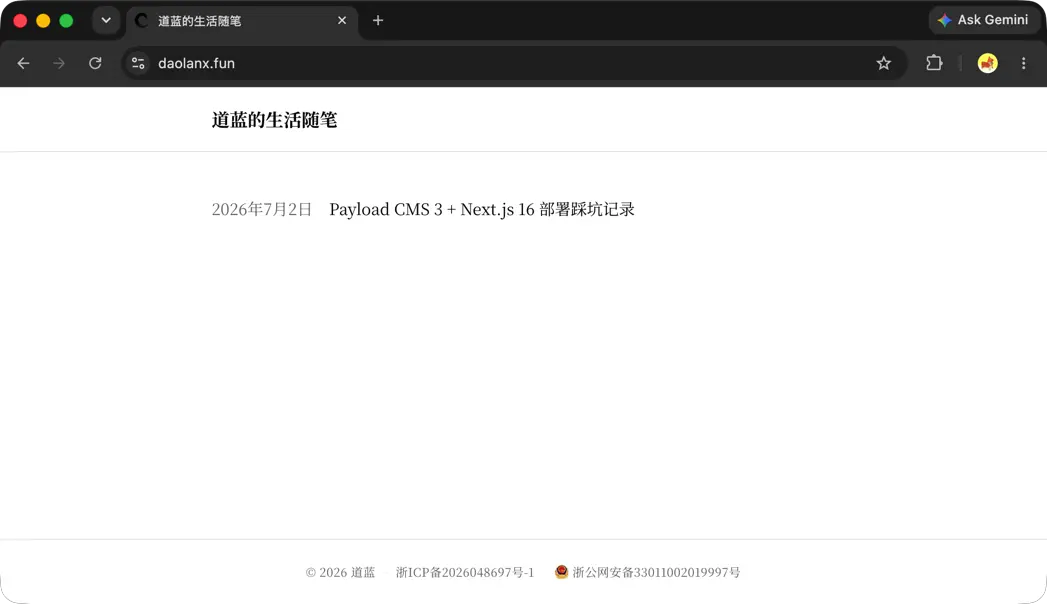
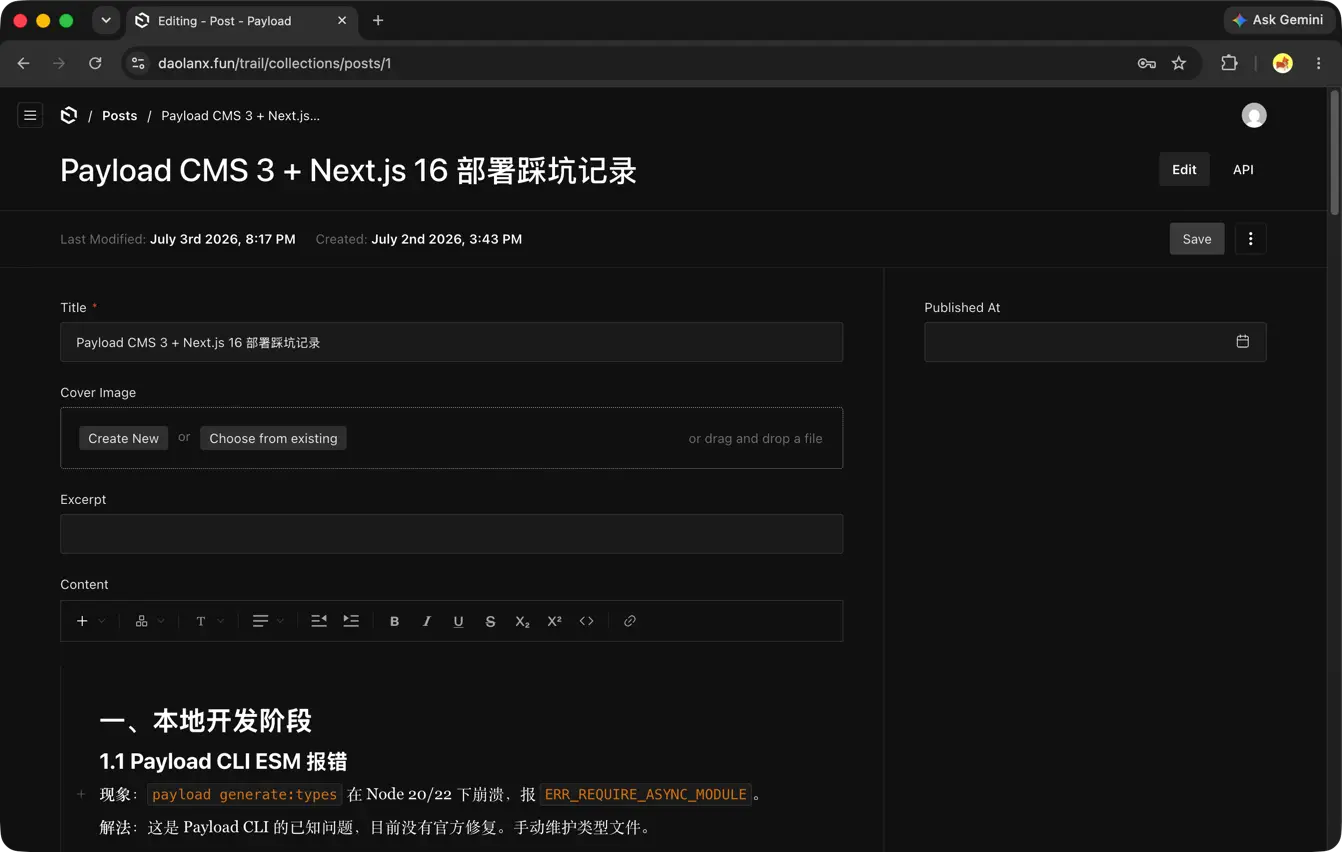
This is a website with a CMS admin panel, deployed on domestic nodes. The frontend has been simplified to ease compliance reviews, but under the hood it offers full rich-text editing and content display capabilities.
A product like this would be trivial to set up with Vercel + Cloudflare. However, when targeting the CN Region, that stack faces latency and on-shore compliance issues. My current setup uses Alibaba Cloud ECS as the runtime environment, OSS for image and data storage backups, Next.js + PayloadCMS at the application layer with SQLite as the database, and Docker for packaging the final deployment. The main goal is to achieve the same CMS capabilities while meeting data localization requirements, keeping the delivery process as simple as possible and reducing bill costs.
1. Technology Choices and Reasoning
1.1 Why ECS Is a Must-Have
Generally speaking, ECS is the recommended choice for the runtime environment. It may not be the absolute best technical solution, but in a strictly regulated market, ECS is the most common and easily approved option during the ICP filing review process. Some other runtime environments (like serverless function compute services) can technically host websites too, but their less conventional form factors can run into obstacles when it comes to compliance audits.
1.2 Why OSS Is a Must-Have
CMS content involves a large volume of images, media, and files. Storing them in OSS rather than on local disk greatly improves data security. At the same time, you can leverage CDN capabilities to accelerate resource delivery and use edge computing features for advanced functionality like responsive images.
1.3 Why SQLite Instead of PostgreSQL
The PayloadCMS documentation generally recommends pairing with the more feature-rich PostgreSQL. Alibaba Cloud RDS does support PostgreSQL, but from my experience, the key difference between the CN Region and overseas is this: overseas there are plenty of free database hosting services, whereas in the CN Region, data services are almost entirely paid. Forcing RDS adds unnecessary overhead, and the current site scale doesn’t really need those advanced features. By contrast, SQLite pairs perfectly with PayloadCMS — it’s easy to manage and makes it simple to back up data by periodically uploading to OSS.
1.4 Why Docker for Deployment
Whether to deploy as a Docker container or directly from a codebase might not make much difference for pure personal development. But if you’re delivering this as a technical service to a client, shipping it as a Docker image is far more standardized. On top of that, Alibaba Cloud ACR (Container Registry) makes container and version management a breeze. Compared to deploying a codebase directly, this approach drastically reduces project delivery and operational costs.
1.5 Why Use BaoTa Panel (aaPanel)
Environment setup and day-to-day operations can certainly be done through the command line and scripts. The reason for introducing BaoTa Panel (known internationally as aaPanel) is mainly to make operations more intuitive. From a client delivery perspective, it offers a friendlier interface and aligns with the habits of many regional site administrators — a pragmatic, context-appropriate decision.
2. Docker Configuration Design
My initial approach was to pack as complete a service as possible into the Docker image: bundling both the Next.js application and Nginx, and linking the SQLite database file by mounting a data volume. However, I found that this resulted in long build times, a large image size, and difficult debugging.
Later, I realized that keeping things simple is actually what matters most. I ultimately switched to using an external Nginx service on the host machine for reverse proxying and stripped away the complex data volume mounting logic. Everything became simple and straightforward.
3. Build and Deployment Pipeline Design
Build and deployment are indispensable, but the question of “where to build and how to deploy” also went through several iterations.
My earliest design was to mimic Vercel’s push-to-deploy model: using GitHub Actions to automatically handle the full pipeline — ECS initialization, code building, image pushing, and deployment to ECS — triggered by every commit. In practice, this Action workflow was too heavy, with long execution times and questionable stability. Having CI directly log into ECS also introduced security risks and extra maintenance overhead.
My solution was to decouple these stages: during CI, I only trigger image builds and push to the container registry based on Git tags; the actual deployment action is done manually. This separation feels more aligned with real-world development workflows and better satisfies production stability requirements.
The remaining question was: where should the ECS environment initialization and deployment scripts run? Running scripts locally with remote control is possible, but for the sake of delivery convenience, I chose to package the deployment scripts and copy them onto ECS, running initialization and deployment directly on the ECS host.
To summarize: build and deployment are separated, and all ECS operations are executed locally on ECS itself. This is the simplest and clearest architecture.
4. Pitfalls and Lessons Learned
Along the way, I ran into quite a few gotchas — for instance, Next.js throwing database connection errors when built in standalone mode, PayloadCMS not auto-syncing data in production (which prevented login), and SQLite file permission issues. I’ve documented the solutions to all of these in the README.md.
5. References
- Codebase: daolanx/payloadcms-note/